Monthly view
Keep totals and patterns together.
Move from inflow and outflow to category breakdowns for any period you choose.
 JotWell
Free on Android and iPhone
JotWell is a local expense tracker for people who want to choose each entry. Use manual entry or voice, review before saving, and keep your ledger on your phone.
Quick add
Start with the amount. JotWell keeps the rest editable until you choose to save.
Why manual tracking can work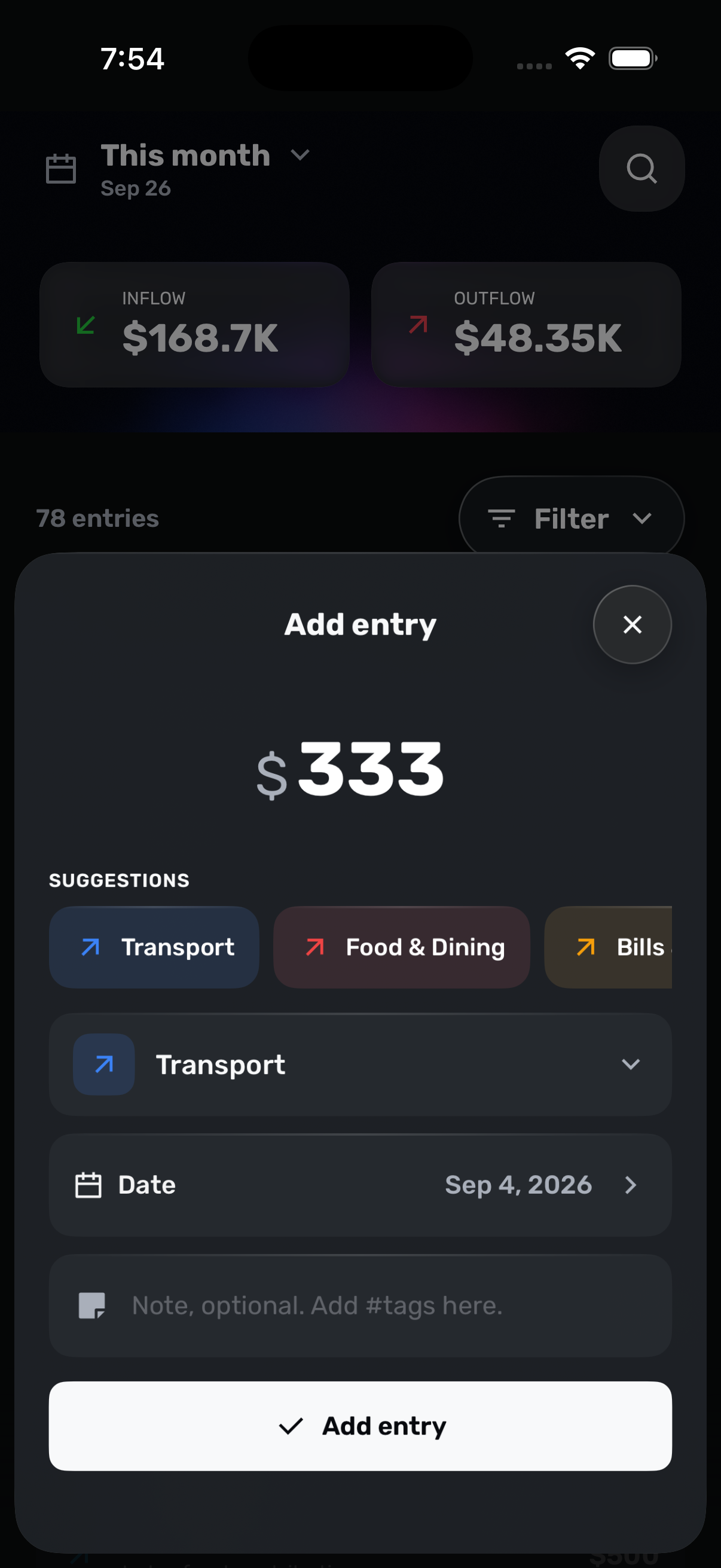
Android and iPhone
Pick a favorite category, add a note if it helps, and save. Date and optional fields stay close.
Android and iPhone
On-device voice recognition turns one or several recent transactions into drafts you can edit.
Android
Choose a date range, inspect the suggestions, and save only the entries you approve.
iPhone
Send selected text or a link through the Share Sheet and turn it into an editable entry.
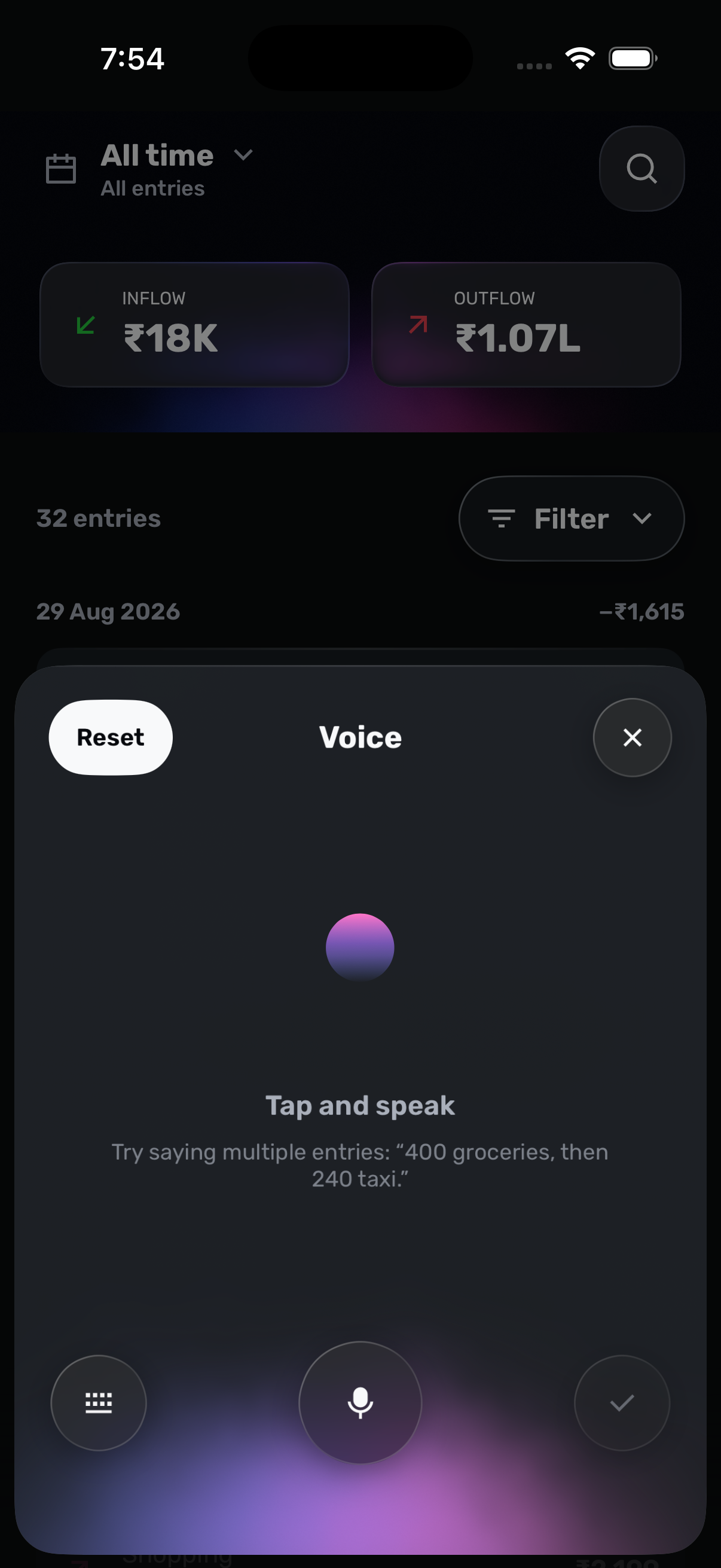
Voice input
Say one expense or several in a row. JotWell turns your words into editable drafts, so you can check every detail before it reaches your ledger.
Your ledger
Review recent entries, totals, recurring money, and category patterns without connecting an outside account.
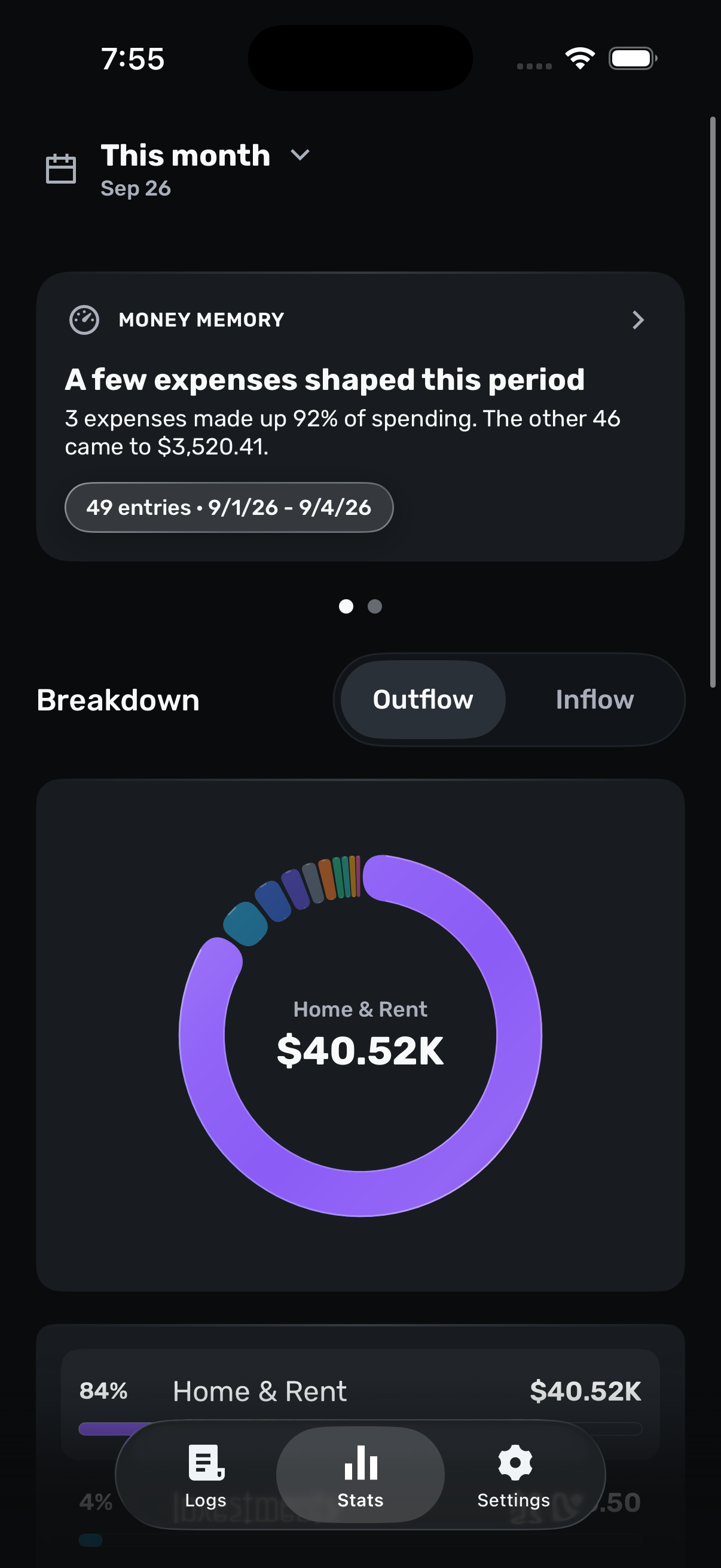
Monthly view
Move from inflow and outflow to category breakdowns for any period you choose.
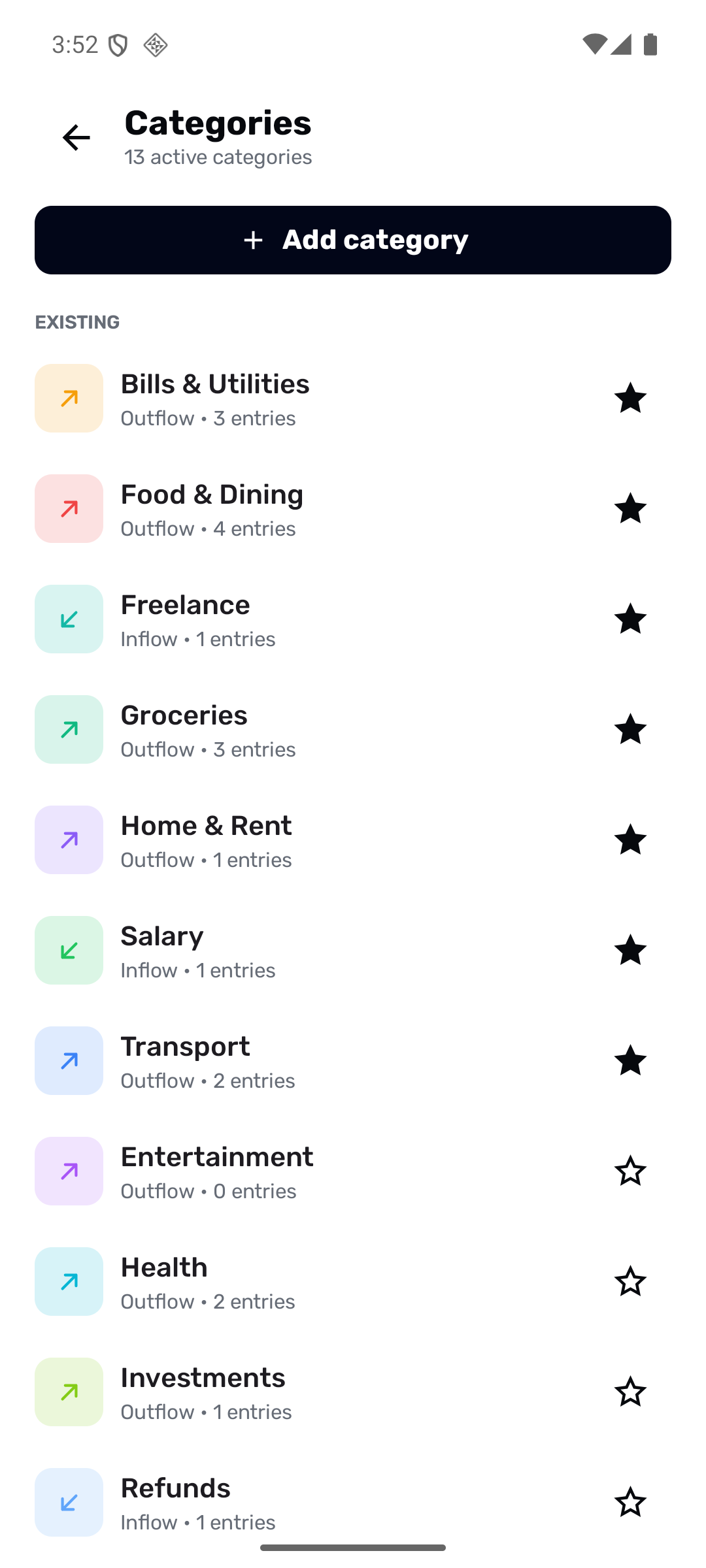
Categories
Favorite categories, tune their colors, and keep the list useful.
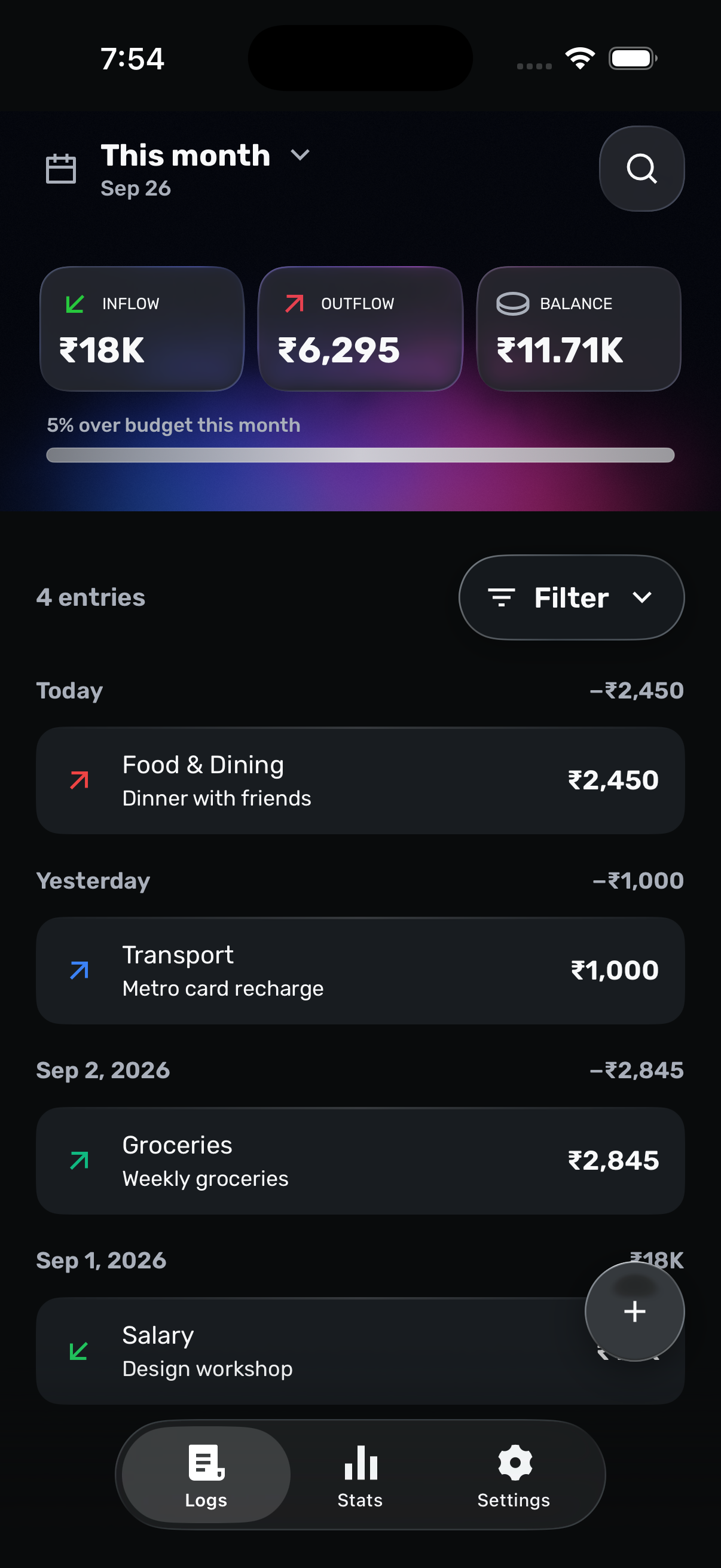
Recent activity
Scan recent entries and edit details before the ledger goes stale.
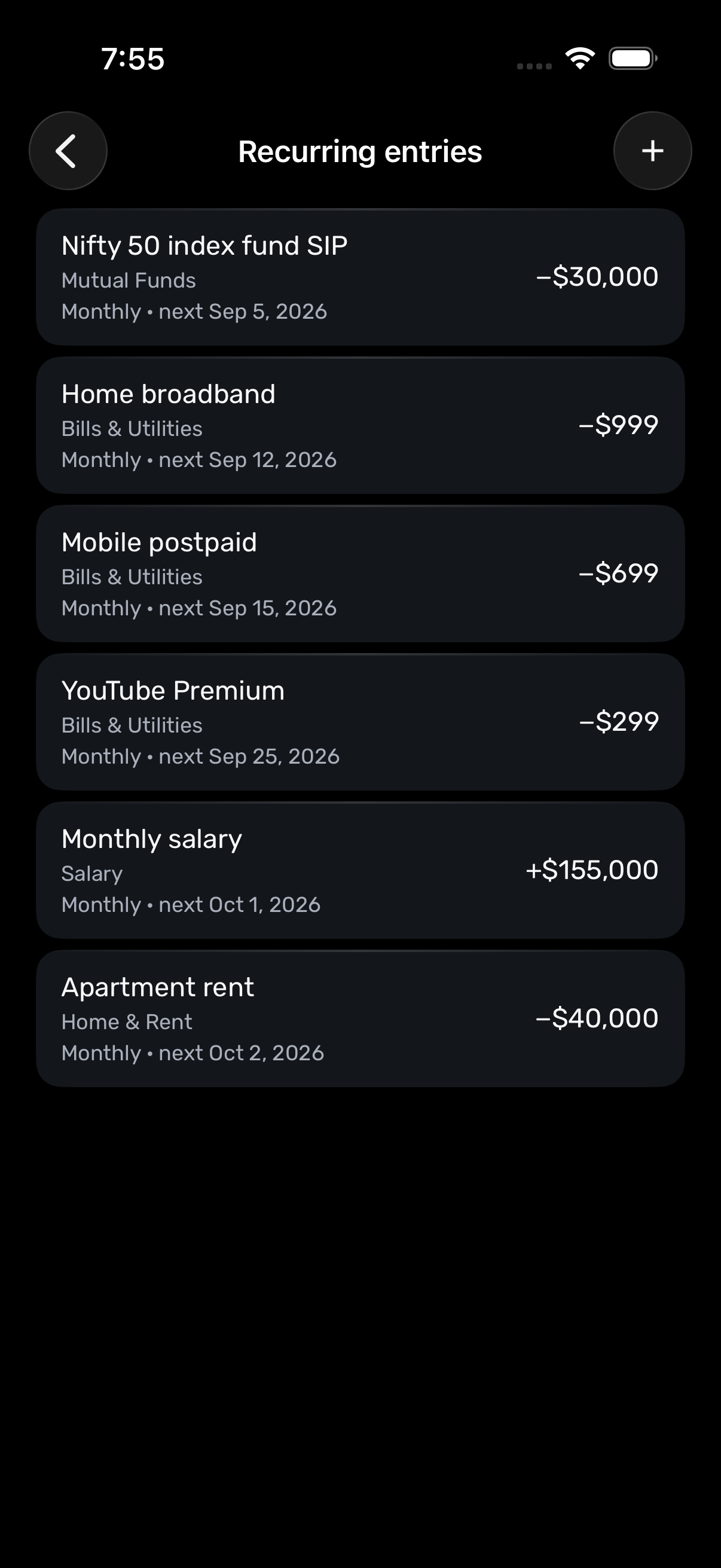
Recurring money
Track recurring income and expenses without rebuilding the same entry each time.
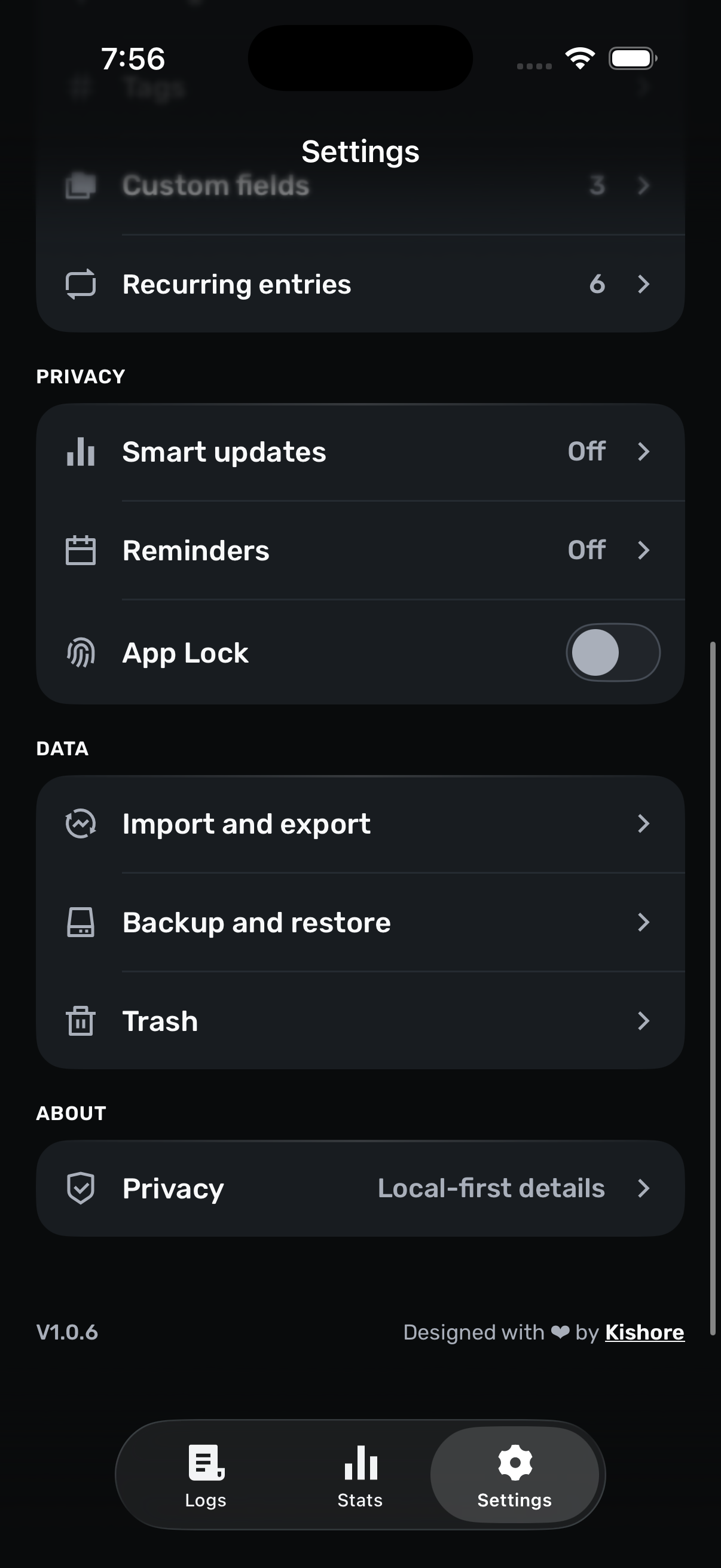
Backup and restore
Create a complete backup when you want one, then restore it on your terms.
A quieter way to track
You prefer deliberate manual tracking.
You want a ledger instead of a complex budgeting system.
You want financial records to stay on your phone.
Private by design
JotWell stores your working ledger on your device. You decide when to import, export, or create a backup.
Install the app and start tracking without a profile or sign-in.
Your entries stay in private app storage, without bank connections or JotWell cloud sync.
Import compatible files, export CSV, and create complete JSON backups.
Voice, SMS, and shared-text flows create editable drafts. You choose what enters the ledger.
Keep common actions close and control whether financial details appear outside the app.
The Android and iPhone apps contain no advertising or behavior-tracking SDK.
Common questions
Yes. JotWell is free to download and use on Android and iPhone.
No. JotWell does not ask for bank credentials or connect to financial institutions.
JotWell stores your working ledger in private app storage on your phone. JotWell does not operate a cloud-sync service.
Yes. You can add entries, review your ledger, and view stats without an internet connection.
You can type an entry or use optional on-device voice on Android and iPhone. Android can review local SMS suggestions. iPhone can receive selected text or links through the Share Sheet.
Yes. JotWell supports compatible imports, CSV exports, and portable JSON backups. The exact import formats vary by platform.
Android can read SMS messages only when you open Import via SMS and grant permission. iPhone does not read the Messages inbox; it supports the Share Sheet and optional personal Shortcuts automations.
No setup maze
Free on Android and iPhone. No sign-up or bank connection.